Guides
SNAC vs BlisSTer vs USB Controllers on MiSTer: What Is Best?
Sep
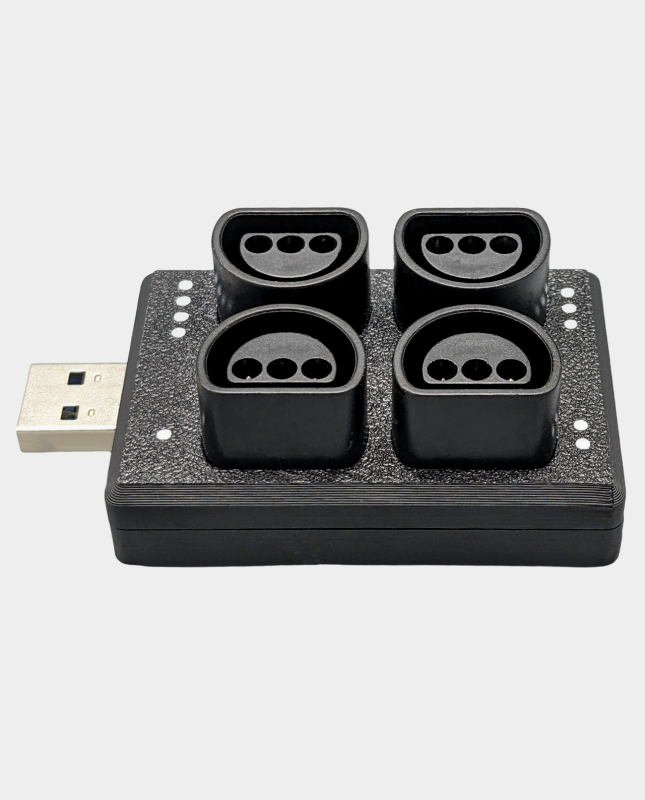
Controller choice has a bigger effect on a MiSTer build than many people expect. A modern USB gamepad is convenient, SNAC lets you connect original hardware to supported cores, and BlisSTer provides a low-latency input platform with its own adapter ecosystem. This guide compares the three options so you can choose the right setup for your games.
The three main controller routes
1. USB controllers
USB is the simplest and most flexible option. Wired USB controllers, arcade sticks and adapters work across a wide range of cores, and wireless controllers can be added with a Bluetooth adapter. Setup is usually straightforward, and you can switch controllers without buying core-specific hardware.
A powered MiSTer USB hub is recommended when using several USB devices. For wireless controllers, the MiSTer Bluetooth adapter supports many popular gamepads.
2. SNAC
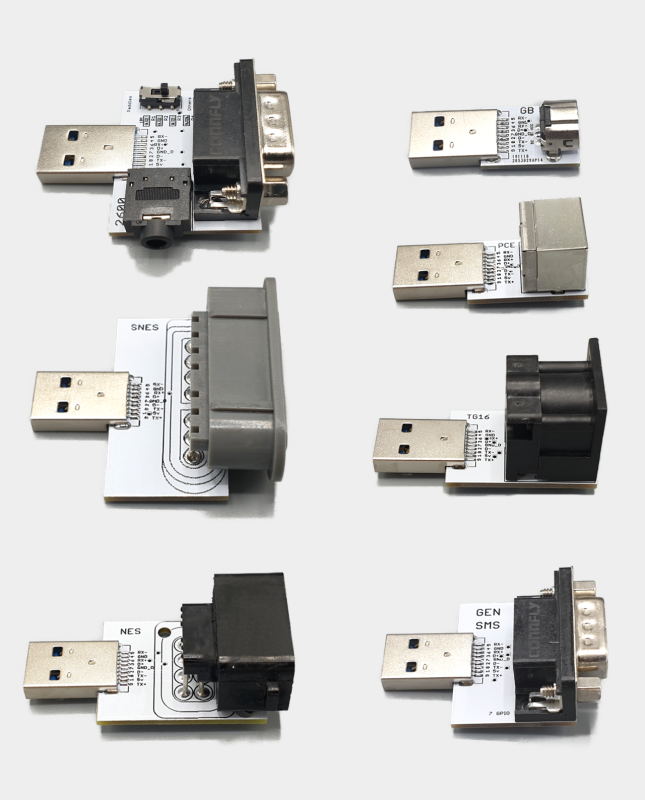
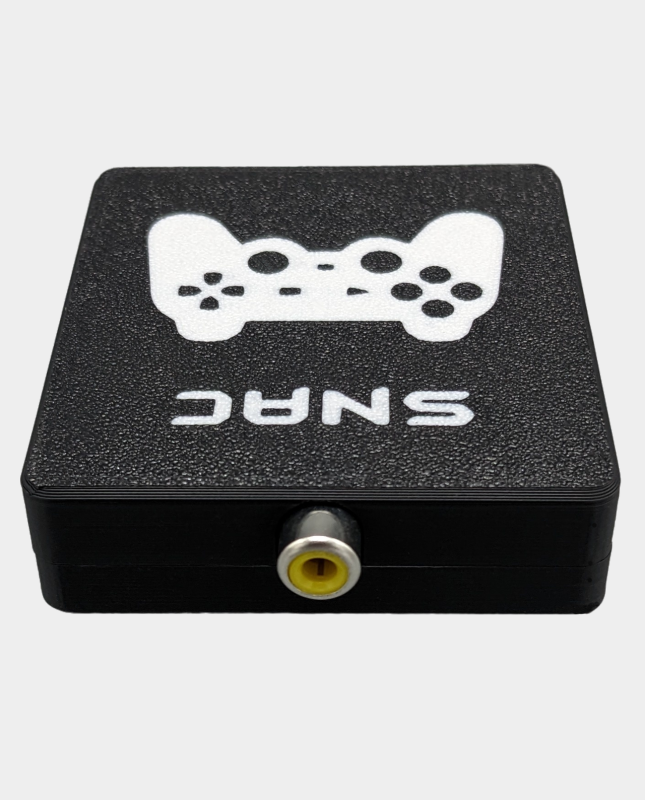
SNAC stands for Serial Native Accessory Converter. It connects an original controller directly to the FPGA rather than routing input through USB. That makes SNAC attractive when you want to use original hardware, such as a NES, SNES, Mega Drive, PlayStation or N64 controller, with a core that supports it.
SNAC is core-specific. You need the correct adapter for the controller and console family, and support depends on the core. It is not a universal controller solution, but it is excellent for authentic setups.
Browse our SNAC adapters and cables, including the PlayStation PSX adapter, Nintendo 64 adapter and SNAC extension cable.
3. BlisSTer
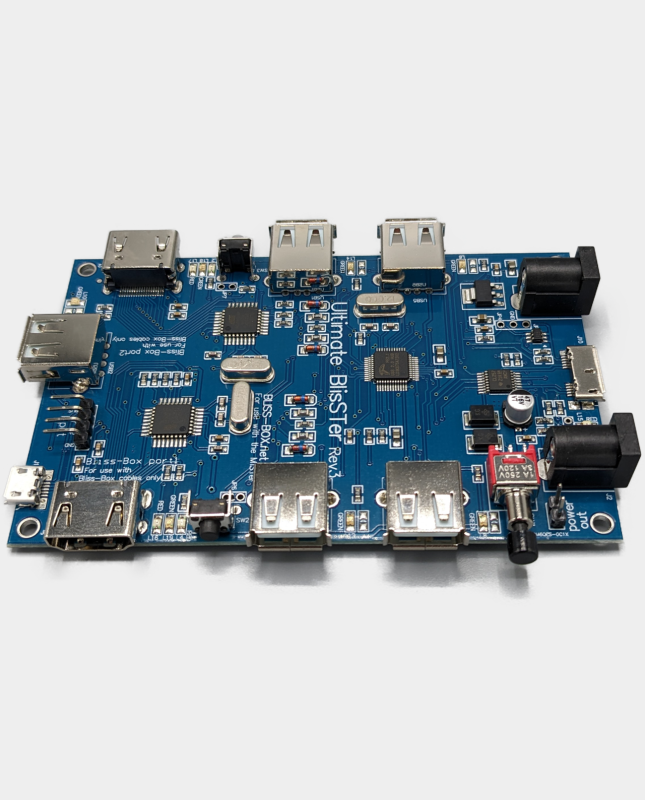
BlisSTer is a low-latency controller hub and input platform for MiSTer. It is designed for players who want responsive input and support for original-style controllers without relying solely on standard USB gamepads. It has its own adapter and cable ecosystem, so you should check the specific controller and core support before buying.
Our BlisSTer Hub Rev.3 is a good starting point for a controller-focused build, and the BlisSTer acrylic case keeps the installation tidy.
Latency and feel
All three options can feel excellent when configured correctly. USB controllers vary by controller and adapter, while SNAC and BlisSTer are designed around low-latency input paths. The biggest practical difference is often the controller itself: a well-maintained original pad or a high-quality arcade stick can matter more than small differences between connection methods.
If your priority is original hardware, choose SNAC or BlisSTer. If your priority is convenience and choice, USB is the better starting point.
Which option should you choose?
| Option | Best for | Main consideration |
|---|---|---|
| USB | Most users, modern controllers and arcade sticks | Controller and adapter compatibility varies |
| SNAC | Original controllers on supported cores | Core-specific adapters required |
| BlisSTer | Low-latency controller-focused builds | Check adapter and controller support |
Can you use more than one method?
Yes. Many MiSTer users keep a USB gamepad for everyday use and add a SNAC or BlisSTer adapter for particular systems. If you use both, plan the power and cabling carefully. A USB hub, power splitter and inline switch can make the build easier to manage.
Frequently asked questions
Is SNAC lower latency than USB?
SNAC connects directly to the FPGA and is designed for low-latency native controller input, but real-world feel also depends on the core and controller.
Does every MiSTer core support SNAC?
No. SNAC support is implemented per core, so check the core documentation and use the matching adapter.
Can I use an original controller with BlisSTer?
Many original-style controllers are supported, but compatibility depends on the adapter and core. Check the product details before ordering.
What is the easiest option for a beginner?
Start with USB. It is the most flexible and easiest to configure, then add SNAC or BlisSTer later if you want a more specialised setup.
Upgrade your controls: browse our SNAC range and MiSTer accessories.
Related reading
Still deciding on part of your build? These guides cover the other choices MiSTer owners face most often.
- MiSTer FPGA beginner’s guide: what you need to get started — the full list of parts a first build actually needs.
- MiSTer Pi vs DE10-Nano: which board should you buy? — which MiSTer board makes sense for your budget.
- MiSTer SDRAM explained: 32MB vs 128MB — how much SDRAM you actually need.
- MiSTer cooling and power guide — heatsinks, fans and 5V power explained.
- How to connect original controllers to MiSTer — three routes, and which to use.
- Best MiSTer FPGA cores for beginners — start with the systems that just work.
