Guides
MiSTer SDRAM Guide: 32MB vs 128MB — Which Do You Need?
Sep
One of the most common MiSTer questions is simple: do you need 32MB or 128MB of SDRAM? Both modules work with the platform, but the amount of memory affects which cores you can run and how much future headroom your build has. Here is the practical answer.
Why does MiSTer need SDRAM?
The DE10-Nano and compatible boards have limited onboard memory. Many FPGA cores use an SDRAM module to store ROM data, graphics and working memory. Without SDRAM, some cores will not start, while others may run with reduced compatibility or features.
The module plugs into the GPIO header and works alongside the FPGA board. It is one of the first upgrades to consider after the base board and power supply.
32MB SDRAM: the practical starting point
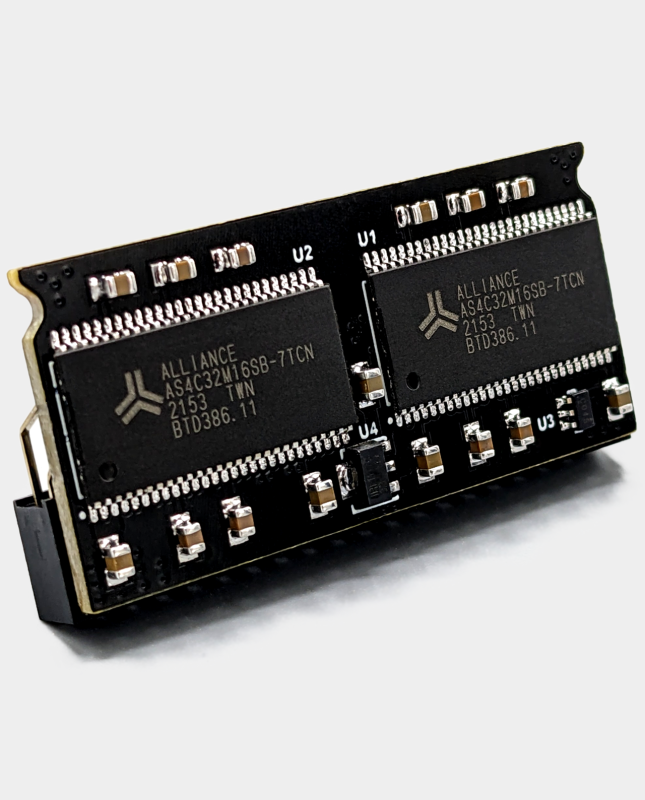
A 32MB module is enough for most popular console and computer cores. If you mainly play systems such as NES, SNES, Mega Drive, Master System, PC Engine, Amiga and many arcade titles, 32MB provides a solid experience at a lower cost.
Our MiSTer SDRAM XS v2.2 32MB module is a compact option for standard builds. It is a good choice when you want to keep the initial cost down and do not need the largest arcade cores.
128MB SDRAM: maximum compatibility and headroom
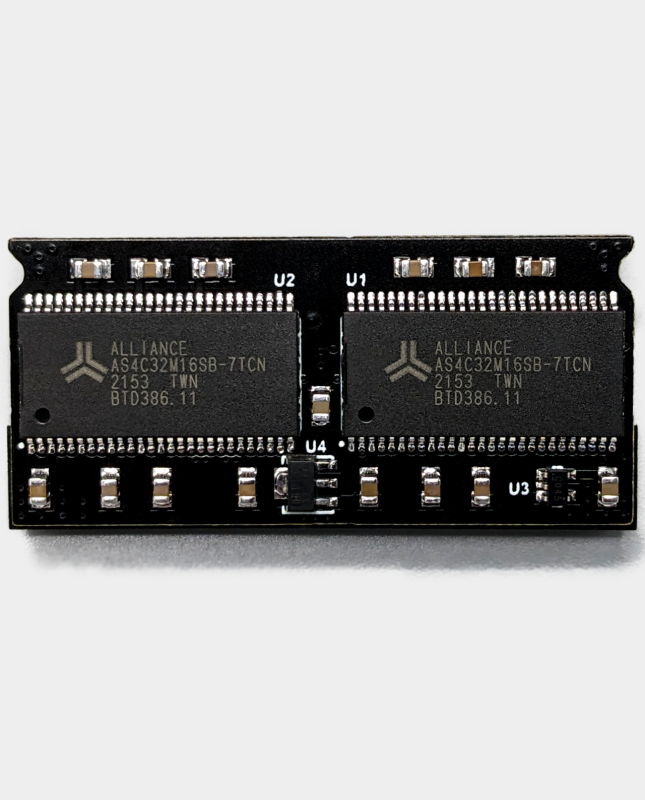
A 128MB module gives you more memory for larger arcade cores and removes much of the guesswork around core requirements. It is the safer choice if you want to play a wide range of arcade systems, use larger ROM sets or simply prefer to buy once and avoid upgrading later.
Our MiSTer SDRAM XS-DS v3.0 128MB module is designed for users who want maximum headroom. It is particularly sensible for arcade-focused builds and anyone who does not want to check memory requirements before trying a new core.
32MB vs 128MB at a glance
| Consideration | 32MB | 128MB |
|---|---|---|
| Popular console and computer cores | Excellent | Excellent |
| Smaller arcade cores | Excellent | Excellent |
| Large arcade cores | May be limited | Best compatibility |
| Cost | Lower | Higher |
| Future headroom | Good for typical use | Maximum |
| Recommended for | Console-focused builds | Arcade-focused and buy-once builds |
Which SDRAM size should you buy?
Choose 32MB if you are building a cost-conscious setup and mostly play console or computer cores. Choose 128MB if you want the widest compatibility, play arcade games regularly or want to avoid upgrading later.
There is no downside to having more memory as long as the module is correctly made and compatible with your board. The important thing is to buy a quality module rather than the cheapest unknown listing, because poor soldering or unstable memory can cause crashes and graphical corruption.
Installation and compatibility
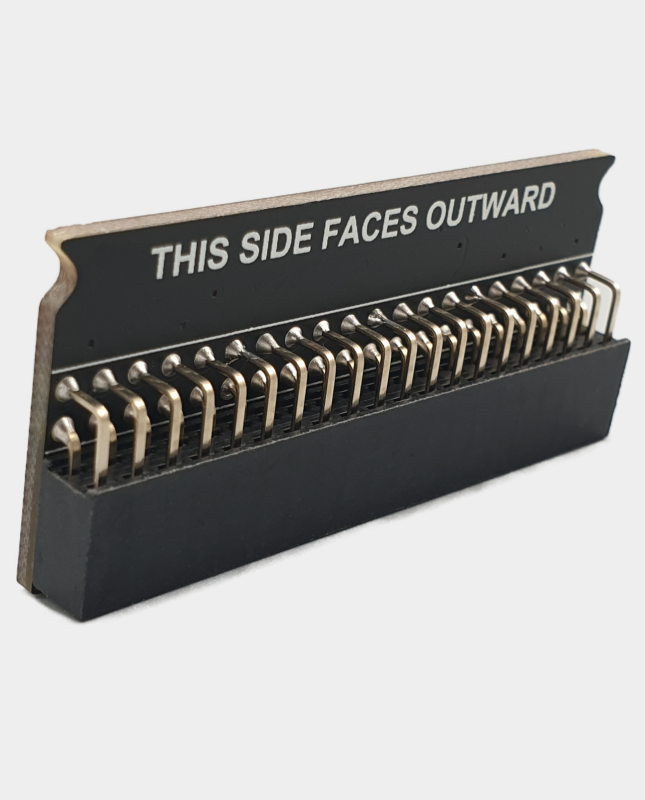
SDRAM modules fit the GPIO header and must be aligned correctly. Power off the board before installation, avoid touching the pins and check that the module is fully seated. If you are adding an IO board or fan plate, check that the components do not interfere with the SDRAM module or its heatsink.
If you are building a complete system, pair SDRAM with a quality 5V 4A power supply and suitable cooling.
Frequently asked questions
Will a 128MB module make games run faster?
No. It increases available memory for cores that need it. It does not increase the FPGA clock speed or make a core faster by itself.
Can I start with 32MB and upgrade later?
Yes. A 32MB module is easy to replace with a 128MB module later if your needs change.
Do all cores require SDRAM?
No, but many popular cores do. SDRAM is strongly recommended for a typical MiSTer build.
Does SDRAM work with MiSTer Pi and QMTECH boards?
Compatible modules are available for these boards, but check the product description and board layout before ordering.
Choose your module: shop the 32MB MiSTer SDRAM or the 128MB MiSTer SDRAM, both available from our Manchester warehouse.
Related reading
Still deciding on part of your build? These guides cover the other choices MiSTer owners face most often.
- MiSTer FPGA beginner’s guide: what you need to get started — the full list of parts a first build actually needs.
- MiSTer Pi vs DE10-Nano: which board should you buy? — which MiSTer board makes sense for your budget.
- SNAC vs BlisSTer vs USB controllers on MiSTer — how to choose controllers and adapters.
- MiSTer cooling and power guide — heatsinks, fans and 5V power explained.
- The cheapest way to build a MiSTer in the UK — spend carefully in the right order.
- DE10-Nano vs MiSTer Pi vs QMTECH — the three realistic routes into MiSTer.
