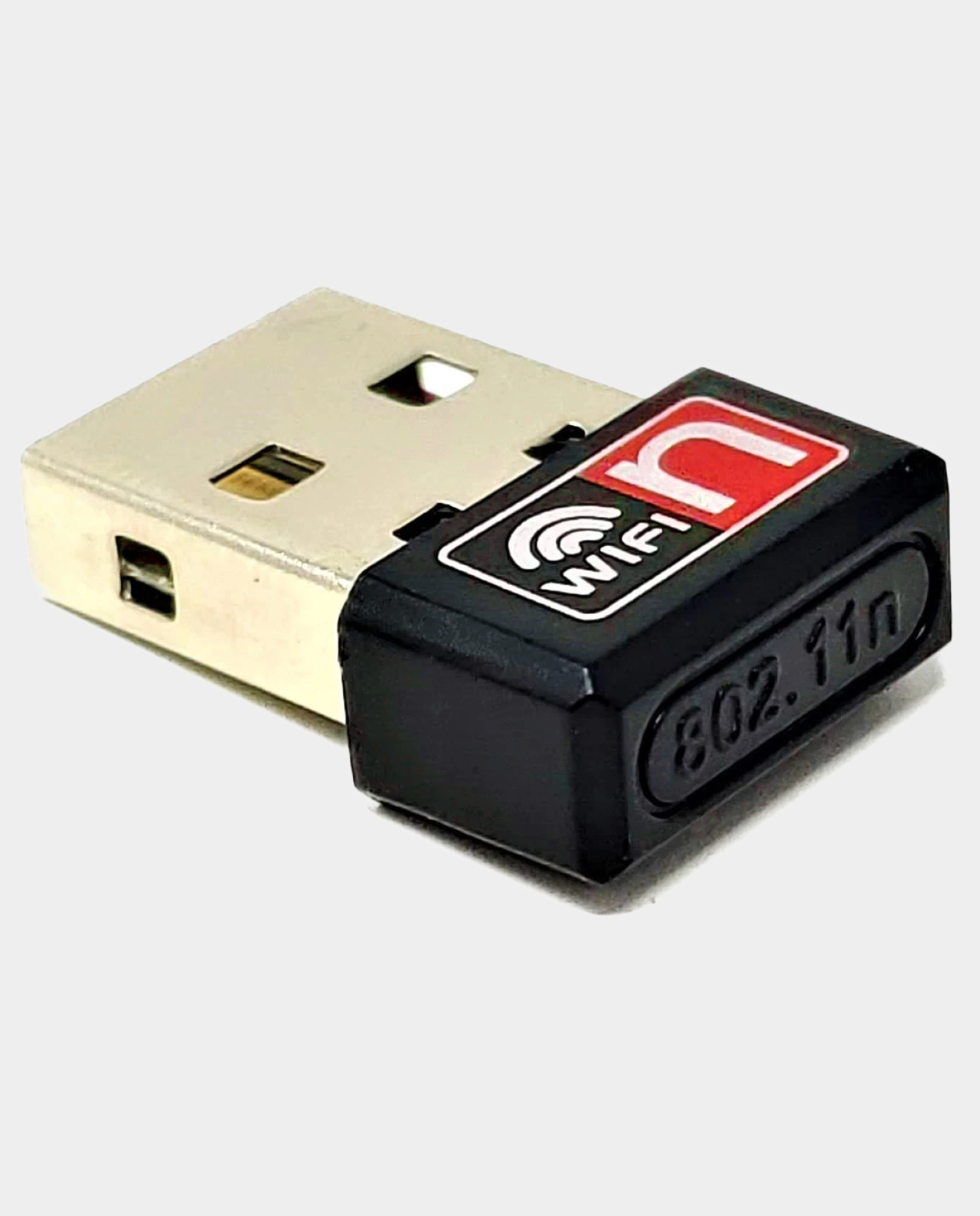
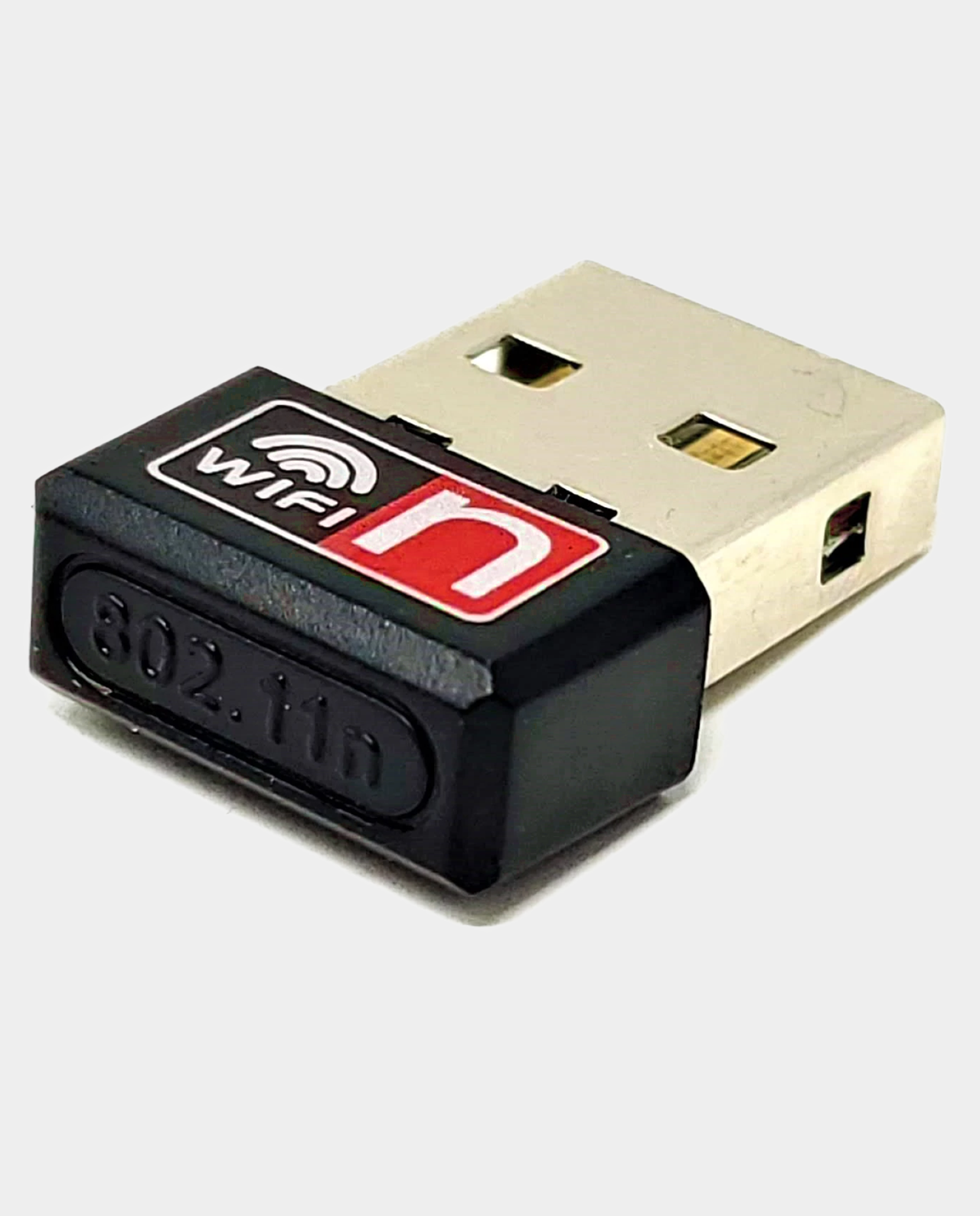
MiSTer FPGA WiFi Adapter
$6.99
Compact USB WiFi dongle for MiSTer FPGA: plug it in, run wifi.sh from the Menu core or over SSH, then reboot once your network is configured.
Related guide: what you need for a first MiSTer FPGA build.
100 in stock
A compact USB WiFi dongle perfect for use with the MiSTer FPGA.
Firstly plug the WiFi adapter into a USB port, then to configure the WiFi adapter just run the script wifi.sh either from the Menu core on the MiSTer FPGA or via SSH. Reboot the MiSTer once WiFi network configuration has been completed. If configuration has been successful once the MiSTer has rebooted the Menu core will display a WiFi icon to show WiFi is connected.
Manual WiFi configuration can be completed by following the steps documented in the MiSTer Wiki.
✅ Compatible With MiSTer FPGA
✅ USB 2.0 Interface
✅ Data Rate Up To 300Mbps
✅ IEEE 802.11 b/g/n Standards
| Option1 | Option1 |
|---|
Be the first to review “MiSTer FPGA WiFi Adapter”
Related products
Accessories
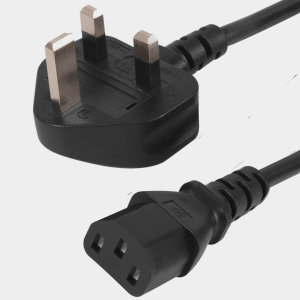
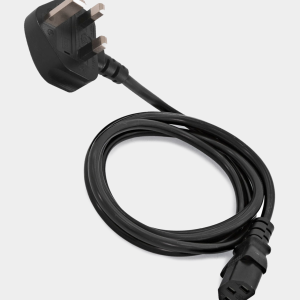
One metre UK mains power lead with a moulded 3 pin plug and IEC C13 connector, perfect for powering the MiSTer DE10-Nano supply from a UK socket. Related guide: what you need for a first MiSTer FPGA build.
Accessories
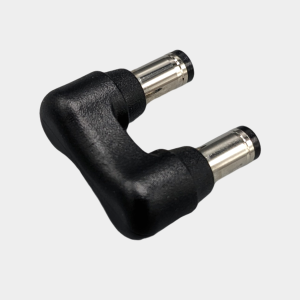
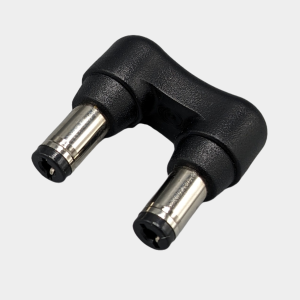
Compact DC power jumper by MiSTer Addons that links the Digital IO board and DE10-Nano power sockets so the IO board switch controls the build. Related guide: MiSTer cooling and power guide.
Accessories
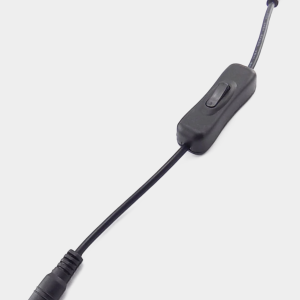
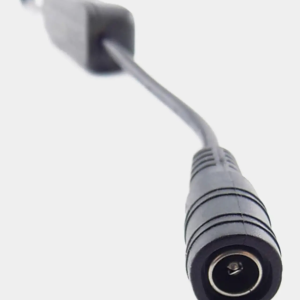
Inline rocker on off switch for MiSTer power supplies, connecting between the supply and splitter lead so you can switch the DE10-Nano and hub together. Related guide: MiSTer cooling and power guide.
Accessories
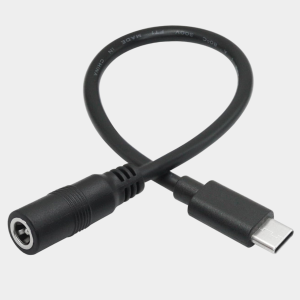
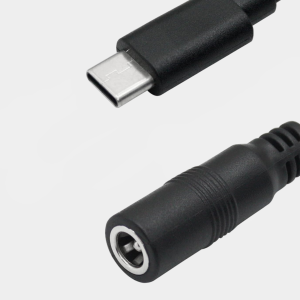
Adapter cable that lets you power a MiSTer Pi from the Mean Well DC supply, converting the female DC barrel socket to a USB Type C male plug. Related guides: MiSTer power and cooling and MiSTer Pi vs DE10-Nano.
Accessories
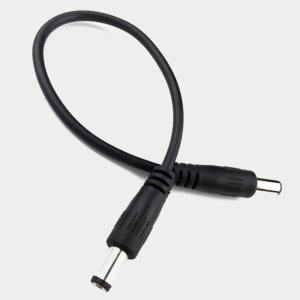
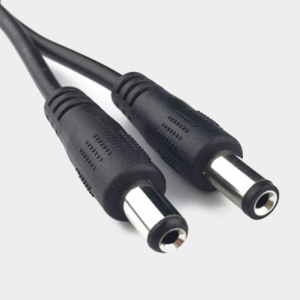
Male to male DC jack jumper cable for MiSTer Digital IO boards, letting the USB hub draw its power directly from the DE10-Nano power supply. Related guide: MiSTer cooling and power guide.
Accessories
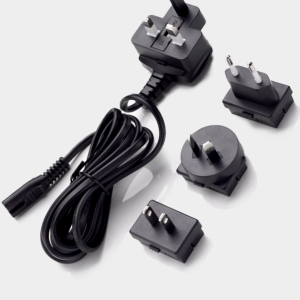
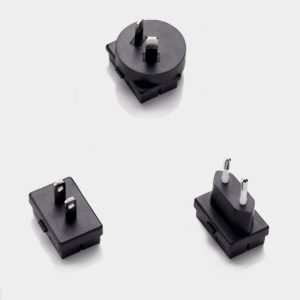
Two metre long IEC C7 figure of eight mains cable with interchangeable UK and European plug heads, made for the MiSTer DE10-Nano power supply.
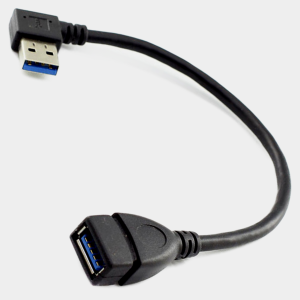
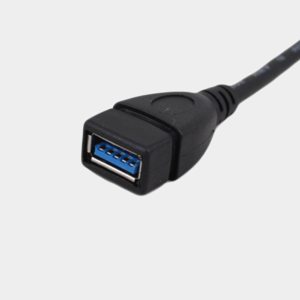
Short shielded USB 3.0 male to female extension cable for MiSTer SNAC setups, reducing strain on the User IO port while keeping signal quality high. Related guide: SNAC vs BlisSTer vs USB controllers on MiSTer.
Accessories
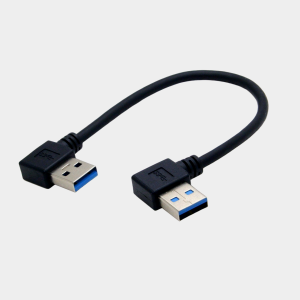
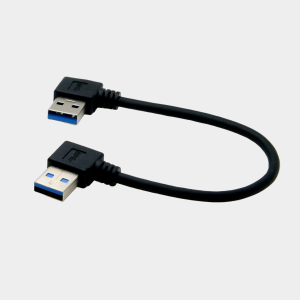
Short USB 3.0 A-to-A cable for connecting an MT32-Pi to the MiSTer, keeping the I2C link stable by avoiding capacitance and signal reflection.
Reviews
There are no reviews yet.